Appendix A. Manual matching of photographs and timestamps.
In some cases, the number of photographs does not match the number of time stamps collected during aerial photography. To solve this problem, the TOPODRONE Post Processing program provides an algorithm for manual matching of photos and time stamps.
To activate this mode, you need to check "Manual matching" in the aerial photo settings.
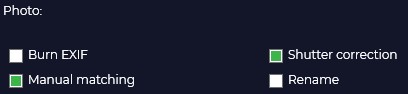
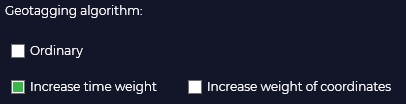
The "Geotagging Algorithm" tab contains parameters that help the program match photos and tags in case of quantity mismatch. There are three options for matching:
- Normal: The photos are combined in the order in which they are taken.
- Increase time weighting: the matching is done by the time the photos and tags were created.
- Increase coordinate weighting: matching is based on navigation coordinates contained in photo tags and high-precision label coordinates resulting from post-processing.
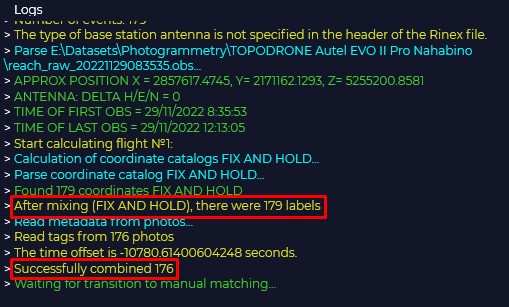
During processing, the program displays information about the number of timestamps and the number of snapshots in the "Logs" window.
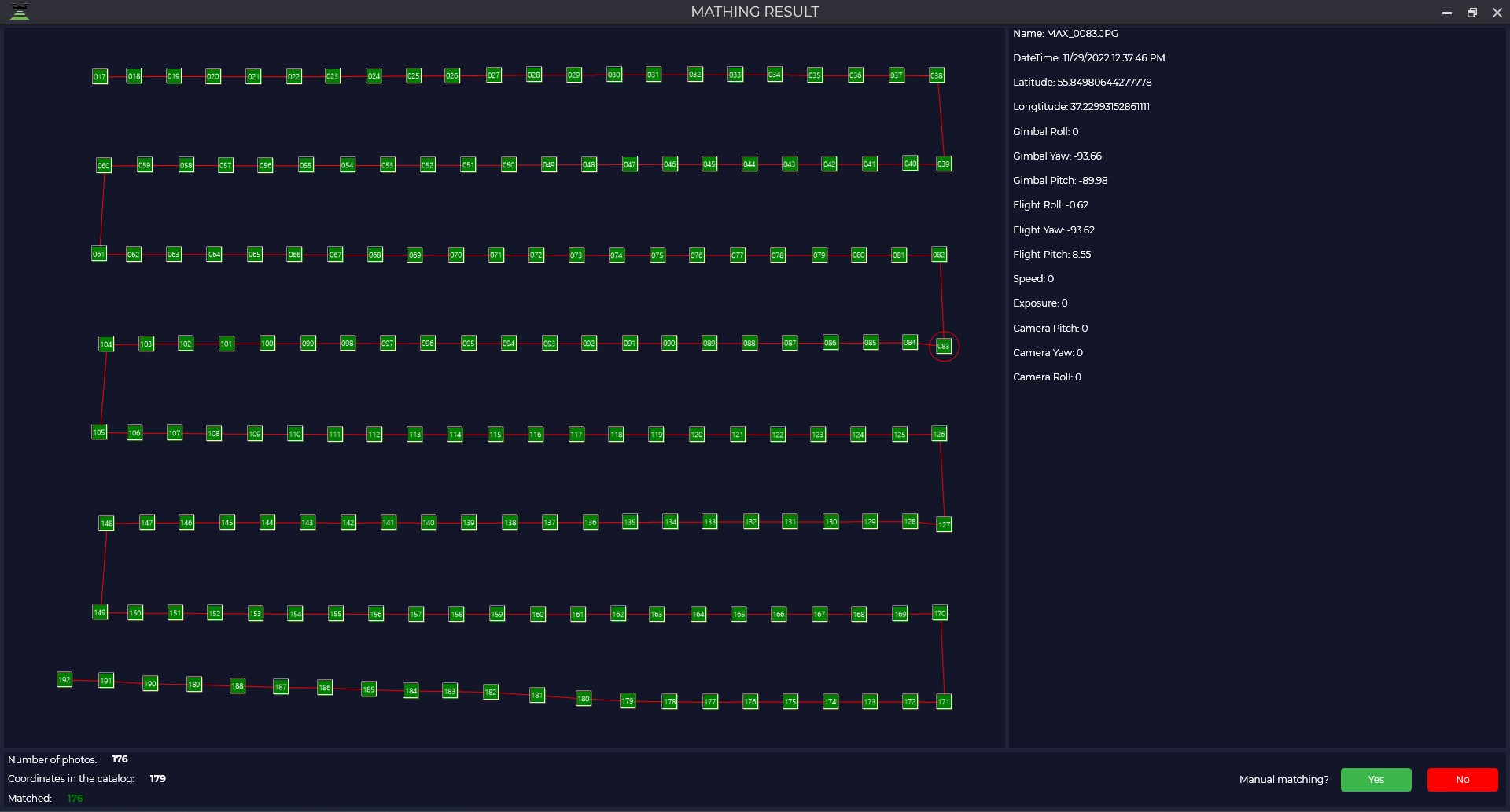
If the number of labels and images do not match, an additional window appears with information about the number of images, coordinates in the catalog and the number of matches.If you need to perform manual matching, you should answer "Yes" to the program's question "Match manually?".
Then in the next window, the left side contains information about the photos and the right side contains coordinates. The upper part of the data is presented in tabular form, the lower part - in graphical form.
If your dataset has no navigational coordinates, the left side of the window will remain blank.
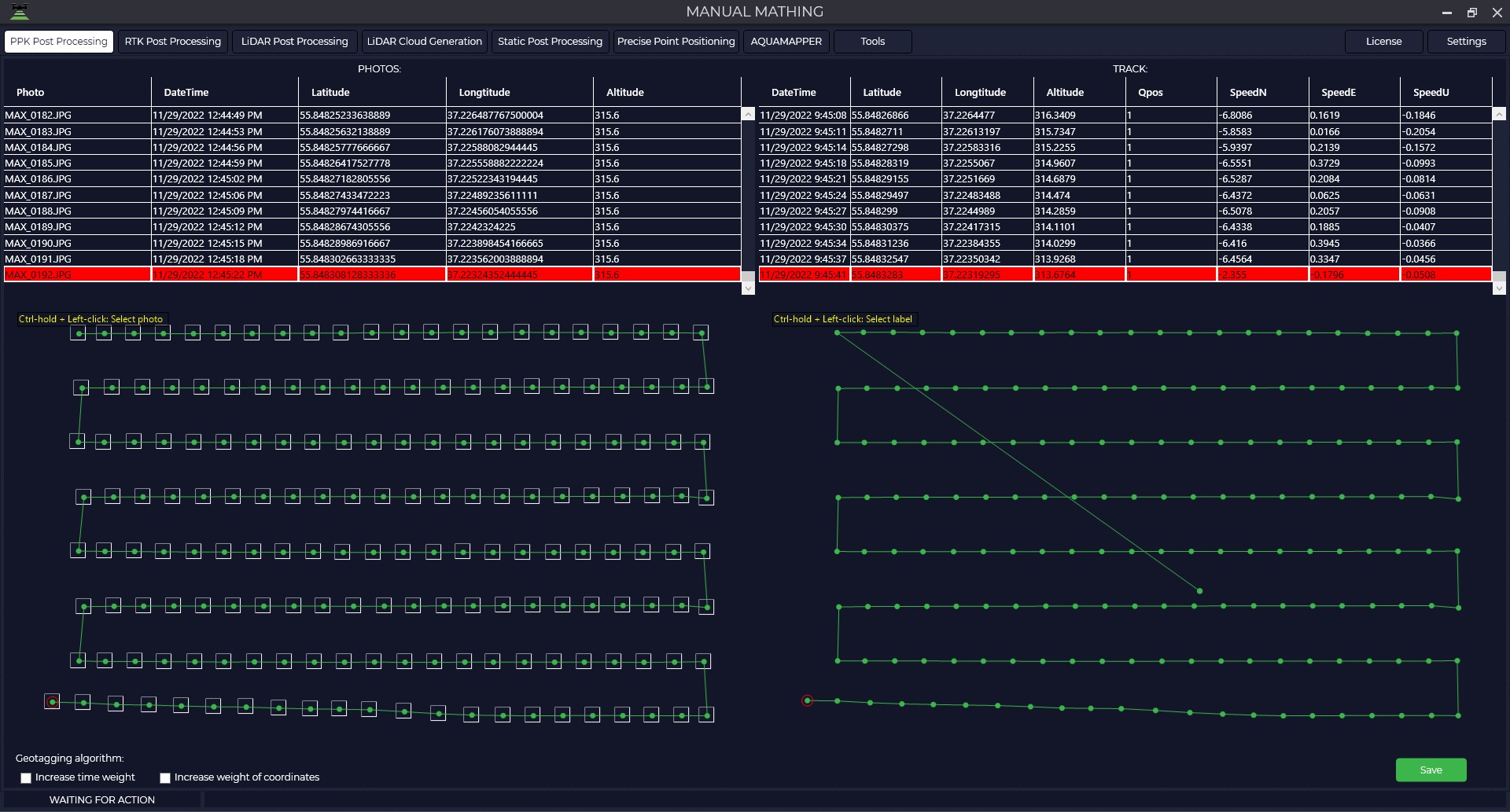
To perform a match, you need to select a photo and its corresponding label with the left mouse button while holding down the CTRL key, and then click the "Save" button.
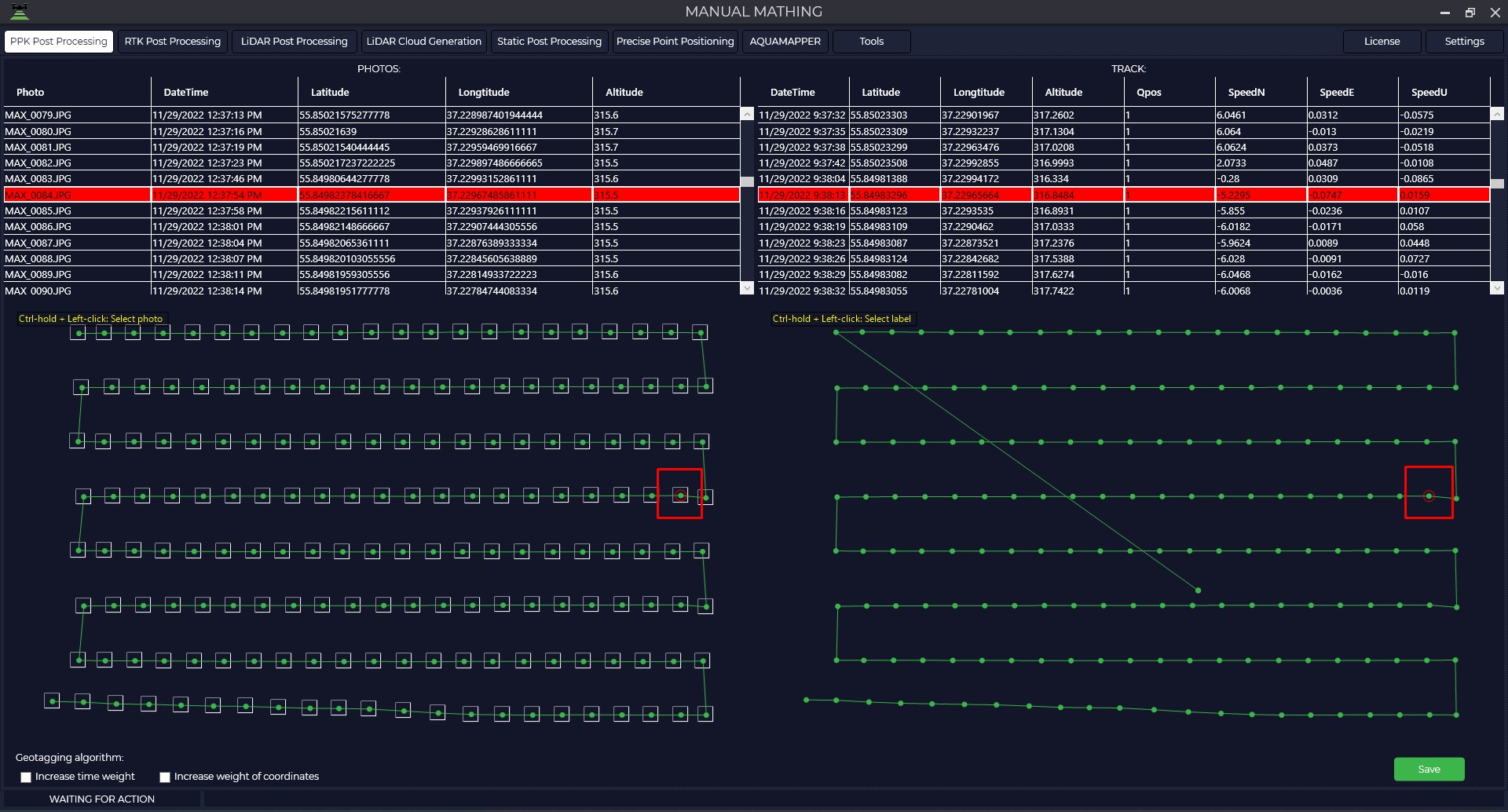
If the matching is successful, you must answer the program's question "Match manually?" with "No".
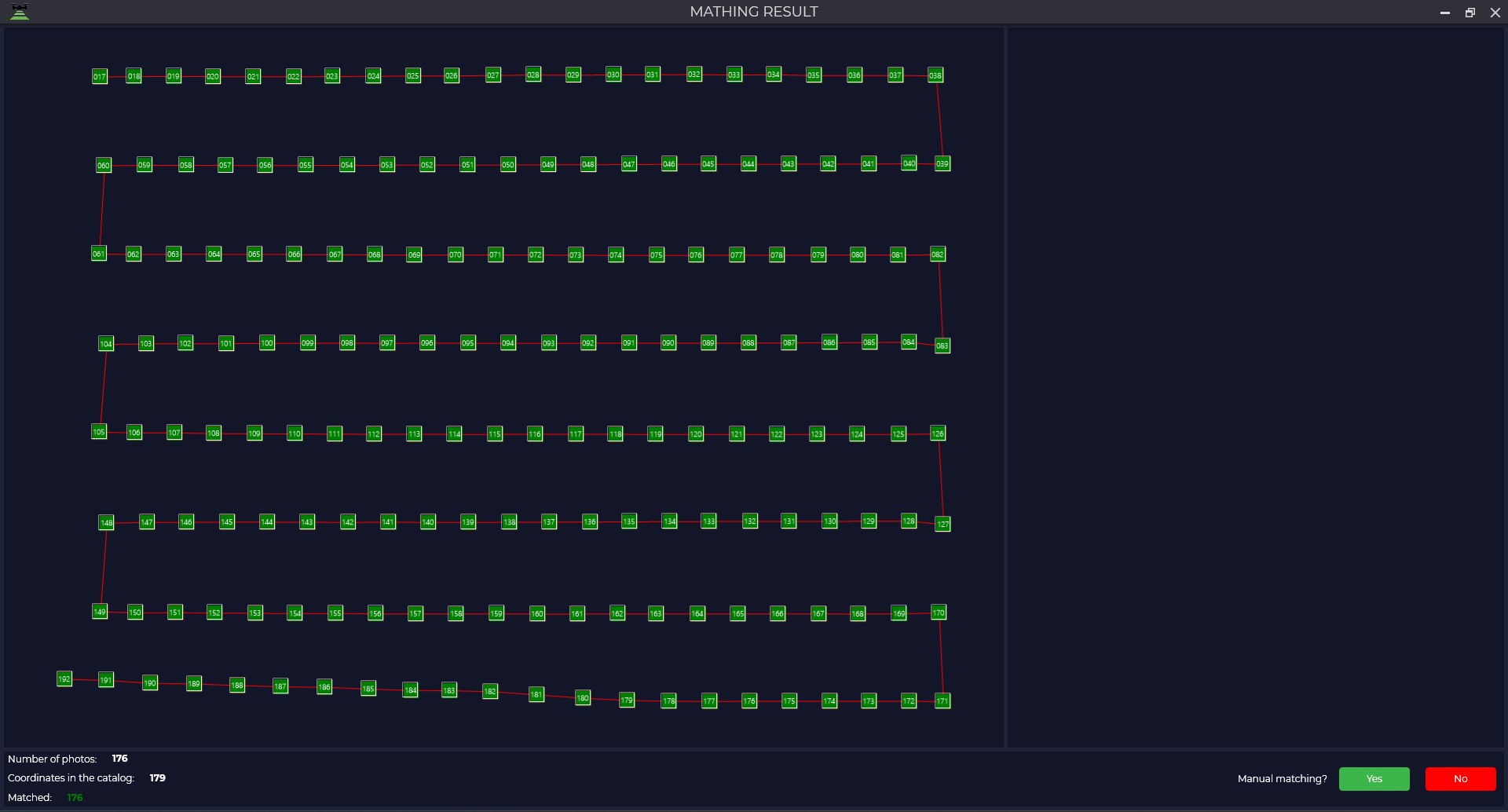
The program will form a catalog of photo centers and you can proceed to photogrammetric processing.