Data archive GNSS
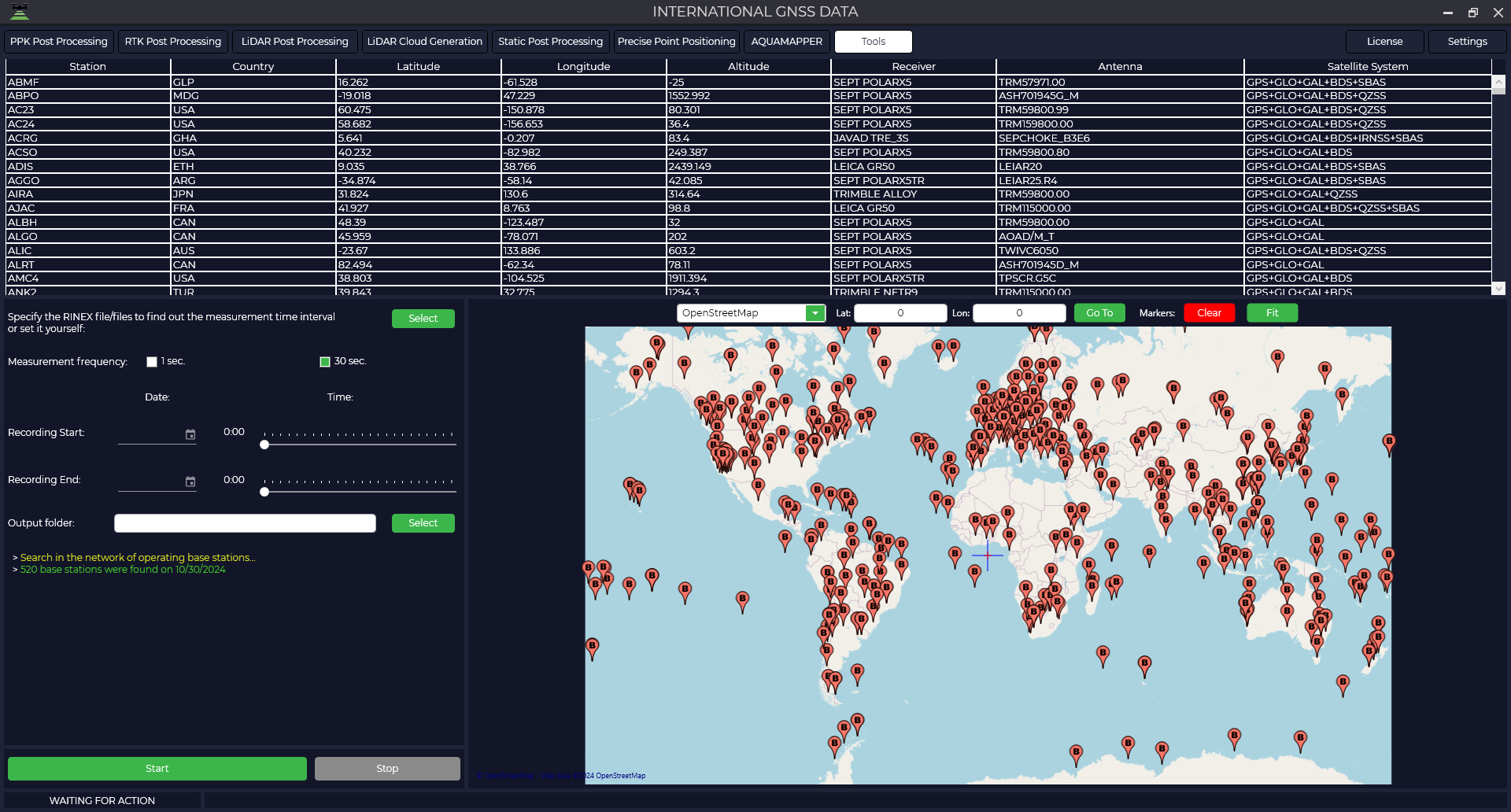
This module is a large database with publicly available base stations for downloading observation files.
- To start the module, go to the "Tools" tab, then "GNSS Data Archives" and select the database you need.

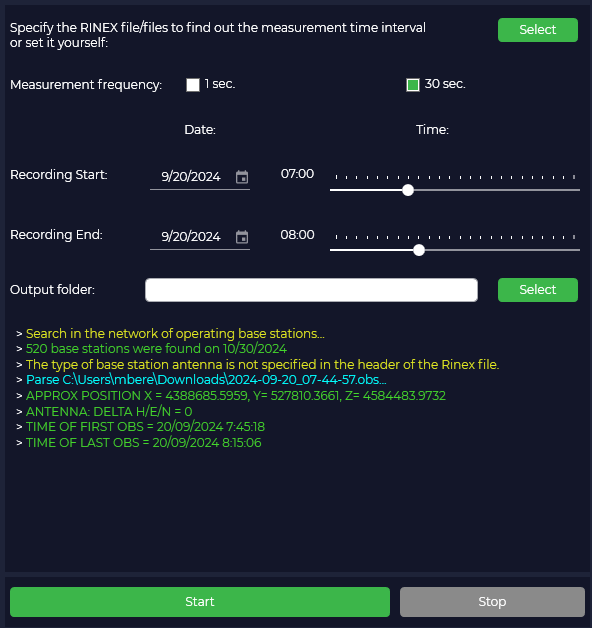
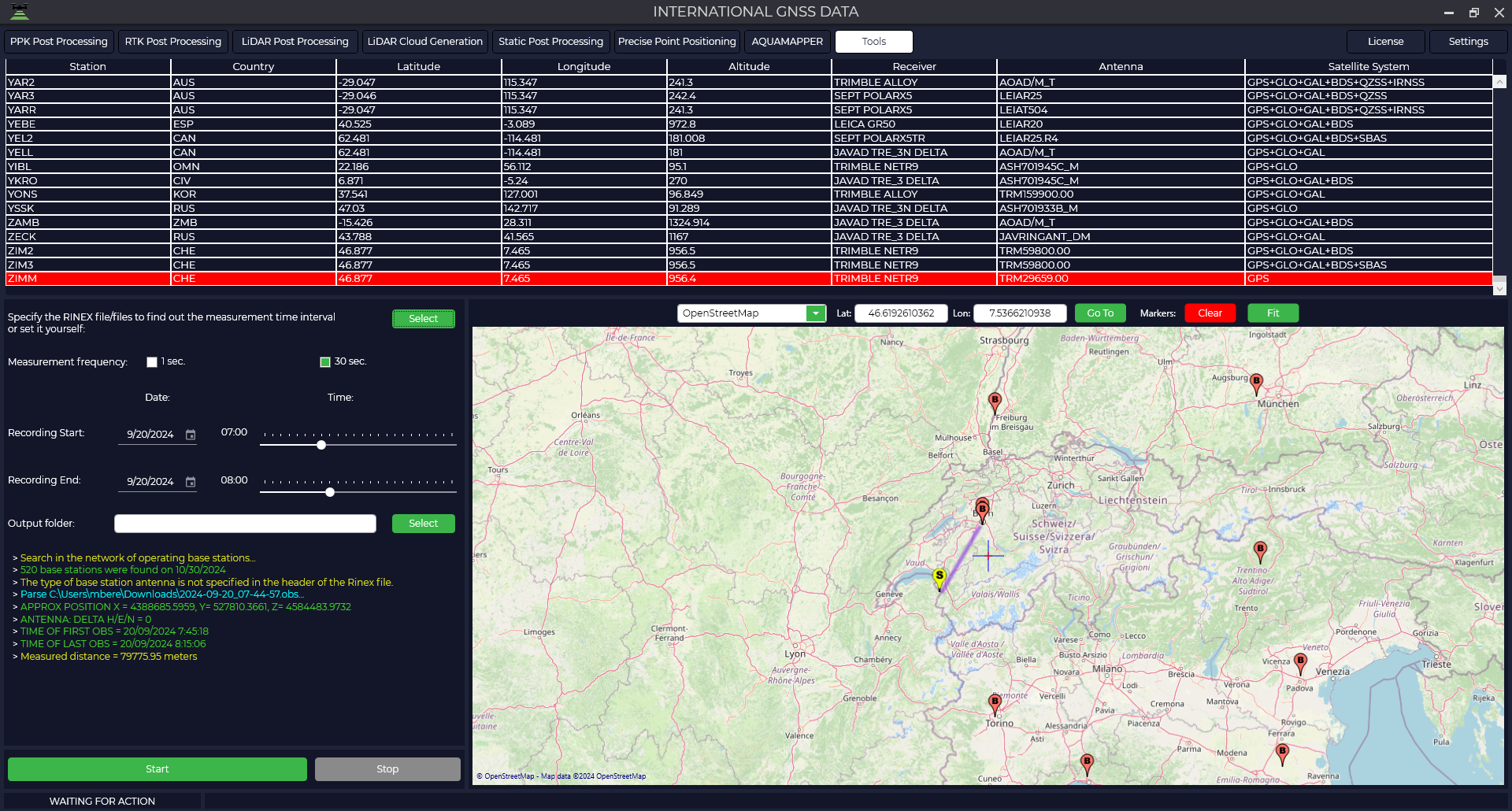
- Then download the data from your receiver to have the program select the date and time of the base stations or enter this data manually. Specify the folder where you want to save the result.

- In the table or on the map, select the base station from which you want to download data and press the "Start" button, the data download will start in the folder you specified.