Merge track files
The module is designed for trajectory stitching followed by point cloud generation in the LiDAR Cloud Generation module.
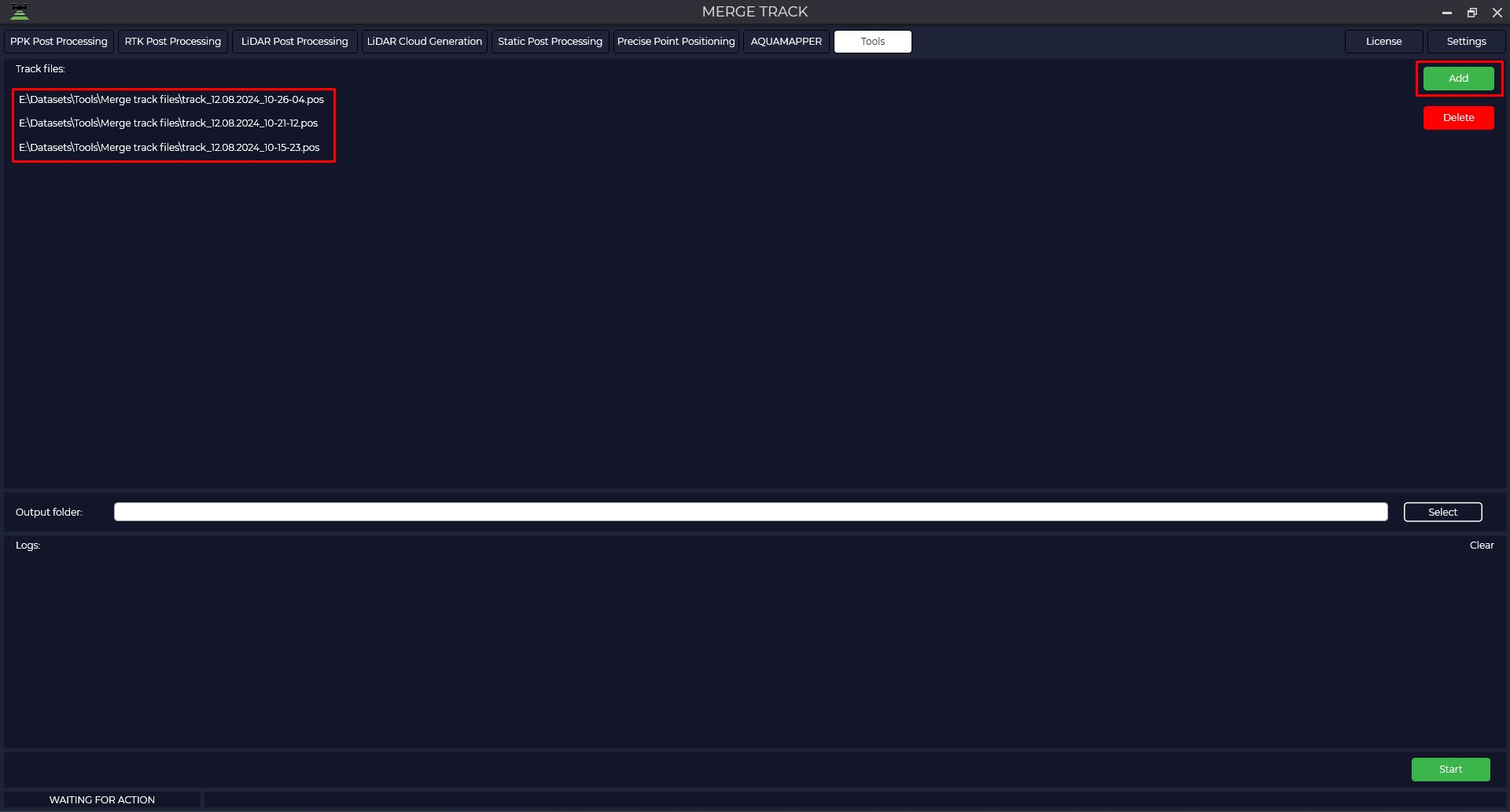
To start the tool, select Track File Stitching in the Tools, Trim/Stitch tab. Then through the "Add" button select the trajectories to be merged.
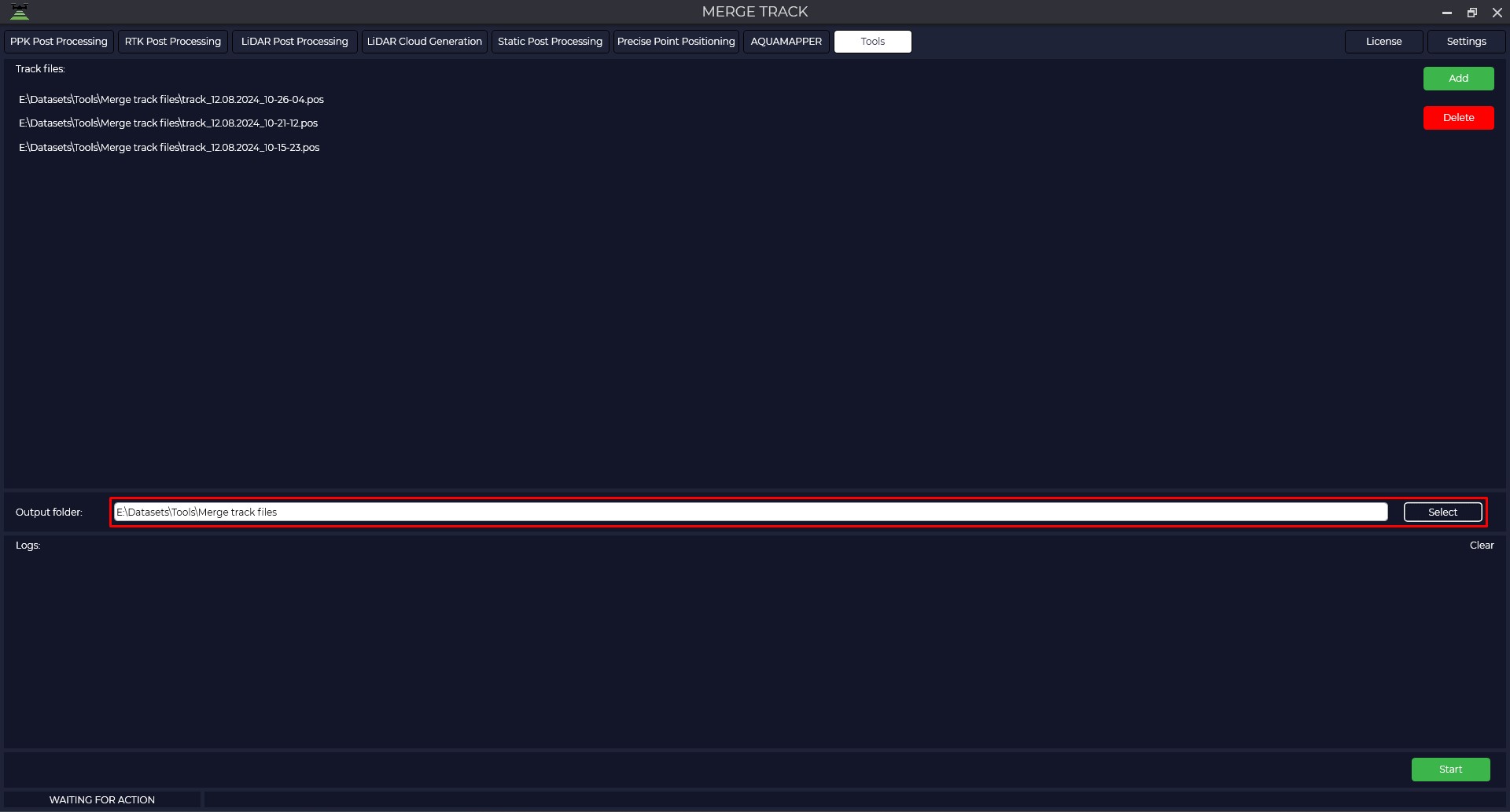
Select the Output folder where to save the merged trajectory and click "Start" to start the process. At the end of the process the program will display a message that everything is ready.